How to Automate Lead Follow Up Without Losing Leads
Learn how to automate lead follow up with fast response, smart routing, and booking workflows that turn more service inquiries into revenue reliably.

A lead submits a form at 8:47 p.m. Your team sees it the next morning, calls once, leaves a voicemail, and moves on. By then, that prospect may have already booked a consultation with the firm, lender, practice, or agent that responded in minutes.
That is the real problem behind how to automate lead follow up. It is not about sending more messages. It is about building a reliable response system that captures intent, starts the right conversation immediately, routes work to the right person, and keeps qualified prospects moving toward a booked appointment.
For service businesses, follow-up failure is rarely caused by a lack of leads. It is usually caused by fragmented intake, delayed responses, unclear ownership, and a team that has to remember every next step manually. Automation fixes the process, not just the inbox.
Why Most Follow-Up Automation Underperforms
A generic five-email sequence is not a follow-up system. It is a marketing tactic. It may work for a low-intent newsletter subscriber, but it does little for someone requesting a dental consultation, legal case review, mortgage pre-approval, or property valuation.
High-value service leads need speed and relevance. A person who calls a law office after an accident has a different urgency level than someone downloading a guide about estate planning. A first-time homebuyer needs different questions than an investor seeking financing. Treating every form submission identically creates noise for prospects and administrative work for staff.
The other common mistake is automating the message but not the operating model. If a lead receives an instant text but no one owns the callback, the automation has only made the gap more visible. If a booking link is sent to an unqualified inquiry, calendars fill with poor-fit appointments. If leads from Google Ads, organic search, phone calls, chat, and referrals land in separate systems, reporting becomes guesswork.
The target is not maximum automation. The target is a controlled handoff between software and people.
How to Automate Lead Follow Up With a Revenue Workflow
Start with the buyer journey, not the software. Map what should happen from the moment an inquiry arrives through to booking, consultation, and outcome. Then automate the repeatable actions while keeping human judgment where it affects trust, compliance, or deal quality.
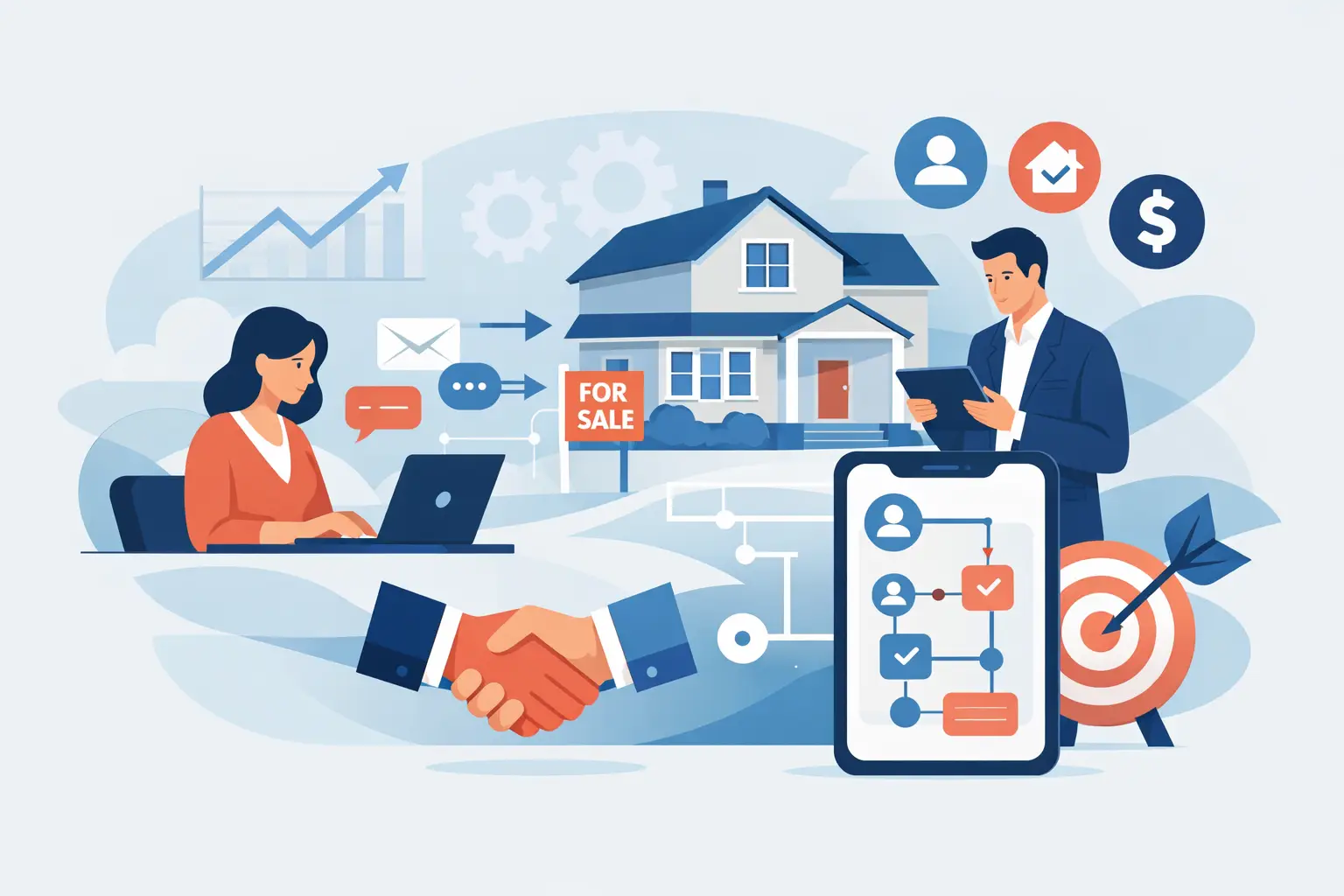
A practical lead follow-up system has five connected stages:
Capture every inquiry with source, contact details, service interest, and consent status.
Respond immediately with confirmation and a useful next action.
Qualify the lead using a short set of questions or behavioral signals.
Route the lead to the right person, calendar, or pipeline.
Continue follow-up until there is a clear outcome: booked, disqualified, won, lost, or inactive.
Each stage needs an owner, a time standard, and a measurable outcome. Without those three elements, automation turns into another disconnected tool.
Set Response Standards Before Building Messages
Decide what “fast” means for each lead type. For a missed call or a paid-search form submission, the standard may be an automated acknowledgment within one minute and a human response within 10 minutes during business hours. For lower-intent content inquiries, the next step may be a helpful email and an invitation to book.
Define escalation rules as well. If the assigned team member has not contacted a high-intent lead within the response window, notify a manager or reroute it. This prevents leads from sitting in a CRM because someone assumed another person would handle them.
The specific timing depends on your team size and service model. A solo attorney cannot realistically offer a five-minute personal response around the clock. They can, however, send an immediate confirmation, collect essential intake details, set expectations for a callback, and make sure no inquiry disappears overnight.
Capture Context at the Point of Inquiry
A name, phone number, and email address are not enough. Your forms, calls, chat tools, and booking flows should capture the information your team needs to respond intelligently.
For a dental practice, that could mean the treatment needed, preferred appointment time, insurance status, and urgency. For a mortgage broker, it may include purchase price range, down payment, income type, and timeline. A real estate team may need neighborhood, property type, buying or selling status, and target move date.
Do not turn the first form into a 20-question application. Every extra field can reduce submissions. Ask only what is necessary to route the lead and personalize the first response. Collect deeper details later through a secure intake form, conversation, or consultation.
Tracking source matters too. A referral lead should not receive the same language as a cold Google Ads lead. When source data follows the contact into your CRM, you can see which campaigns generate booked appointments rather than just form fills.
Send an Immediate, Useful First Response
The first automated message should confirm receipt, establish a response expectation, and give the prospect one clear action. Usually, that action is booking a consultation, replying with a key detail, or calling a direct number for urgent matters.
Avoid vague messages such as “Thanks, we will be in touch soon.” They create no momentum. A stronger message tells the prospect what happens next: “We received your request for a consultation. A member of our team will contact you shortly. If you would like to choose a time now, use the scheduling option below.”
Use text messaging carefully. It can produce faster replies for appointment-based services, but only when prospects have consented and messages are concise. Text is effective for confirmations, reminders, missed-call responses, and simple qualification prompts. It is not the right place to discuss sensitive legal, medical, or financial details.
Build Qualification Into the Workflow
Not every lead deserves the same sales effort. Qualification automation helps your staff focus on opportunities that match your service area, capacity, and ideal client profile.
Use simple decision rules. If a prospect selects an emergency dental issue, route it to the front desk or emergency scheduling path. If a legal inquiry falls outside a firm’s practice area, send a respectful response and close the loop. If a mortgage lead is more than 12 months from buying, assign them to an educational nurture track instead of pushing for an immediate call.
AI chat and intake tools can help gather answers, summarize conversations, and suggest next actions. They should not be treated as autonomous salespeople. For high-stakes services, the system needs guardrails: approved answers, clear disclosure where appropriate, escalation triggers, and human review for unusual or sensitive situations.
This is where engineering DNA matters. The workflow must work when a lead arrives after hours, submits incomplete information, books and then cancels, replies by text instead of email, or contacts the business through two channels. Template automation often breaks at those edges. Revenue systems are built for them.
Create Follow-Up Paths Based on Behavior
A lead who books should receive confirmation, reminders, preparation instructions, and a simple way to reschedule. A lead who does not book should not receive the same message forever.
Build separate paths for common behaviors. If someone opens the first email but does not schedule, send a short reminder with the booking option again. If they reply with a question, stop the generic sequence and create a task for a person to respond. If they miss an appointment, trigger a rescheduling message quickly while interest is still present.
For longer sales cycles, use educational follow-up that matches the prospect’s original need. A borrower who is not ready to apply may benefit from financing preparation guidance. A prospective client considering estate planning may need clarity on the process before they are ready to book. The message should earn the next step, not pressure it.
Set an end point for inactive leads. After a reasonable number of attempts across the channels the person has consented to use, move them to a lower-frequency nurture segment or mark the opportunity inactive. Repeated daily messages do not create demand. They damage trust.
Measure What Happens After the Lead Arrives
Lead volume is a weak measure if you do not know what happened next. Your reporting should connect marketing activity to operational outcomes: response time, contact rate, qualification rate, booking rate, show rate, consultation rate, and revenue where your process allows it.
Review missed calls separately. A missed call from a high-intent prospect is often more valuable than several passive form submissions. Use call tracking, immediate missed-call texts, and clear routing so the team can recover those opportunities quickly.
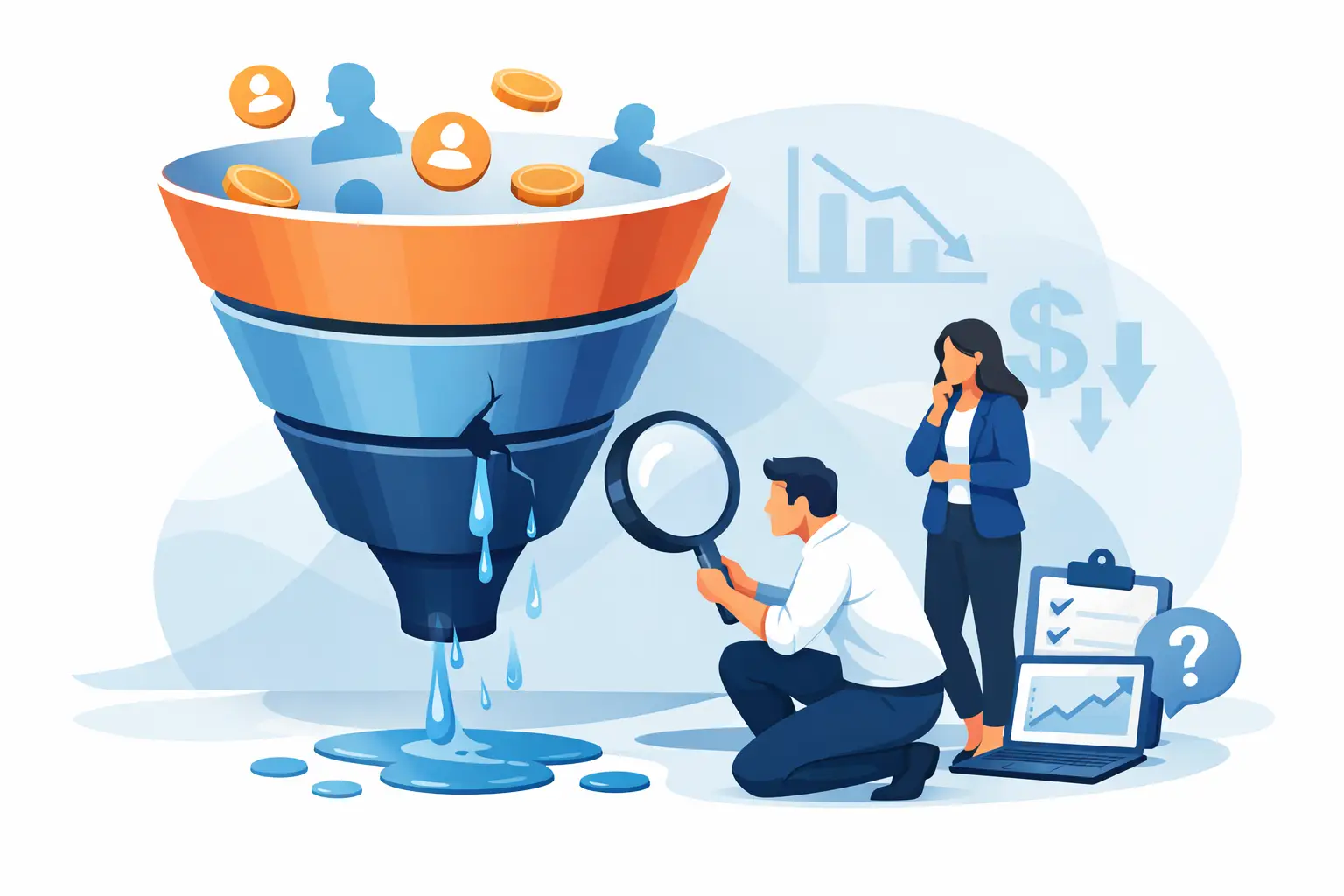
Also review the exceptions. Look at leads that were never contacted, appointments that were not confirmed, and inquiries that entered the wrong pipeline. Those failures reveal where the system needs work. Less theatre, more execution means fixing the leaks that cost revenue instead of celebrating dashboard activity.
Keep Human Follow-Up Where It Counts
Automation should remove repetitive administrative work, not remove judgment. The best systems make your staff faster and better prepared. When a team member calls, they should know the lead source, service requested, qualification answers, previous messages, and appointment status without searching across multiple tools.
For many service businesses, the most valuable improvement is not a more complicated campaign. It is a dependable system that responds every time, gives prospects a clear path to book, and makes ownership visible when human intervention is needed.
Build that foundation first. Once every serious inquiry receives a timely, relevant response, your marketing spend has a far better chance of turning into the appointments and clients your business actually needs.